

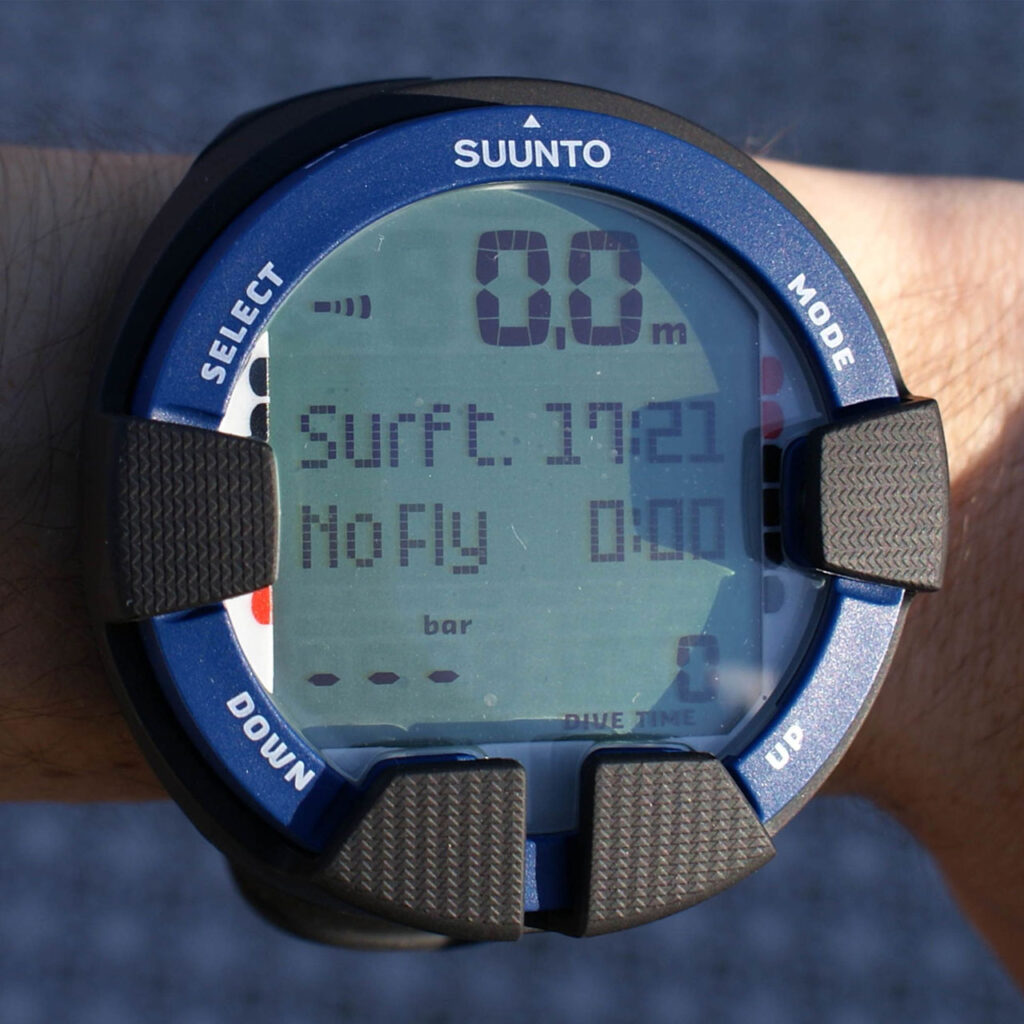
Your dive computer is like a very polite underwater accountant—quietly tracking all the numbers you don’t want to do in your head while fish are photobombing you. Learn its language, and you’ll turn data into safer, smoother dives.
Meet the Key Metrics (And Why They Matter)
- Current depth: The star of the show. Depth affects gas consumption and nitrogen loading. Keep it steady.
- Max depth: Useful for planning repetitive dives and understanding your NDL usage.
- No-Decompression Limit (NDL): Your “you can go up without stops” timer. As NDL shrinks, you’re accumulating nitrogen; manage it with shallower depths and longer intervals.
- Ascent rate: Usually shown as bars or arrows. Slow and steady—aim for about 30–60 feet per minute depending on your computer’s settings, but smoother is better.
- Safety stop: Often auto-prompts at 15–20 feet for 3 minutes. Treat it as non-negotiable—even if not required, your future self appreciates it.
- Nitrox settings: If you’re diving enriched air, confirm your oxygen percentage and set the PPO₂ limit (often 1.4 for dive, 1.6 for contingencies). Wrong settings = wrong NDLs.
- Temperature: Useful for exposure comfort and detecting thermoclines.
- Time: Bottom time, total dive time, and often a log timestamp. It’s the skeleton of your dive profile.
Pre-Dive Setup Without the Headache
- Units: Choose feet or meters, PSI or bar—consistency with your buddy helps.
- Gas mix: Verify air vs. nitrox and set FO₂ correctly. Analyze, then set. In that order.
- Altitude: If your computer has altitude modes, set appropriately for mountain lakes or high-elevation travel.
- Conservatism: Many computers let you increase conservatism. If you’re tired, cold, older, or diving multiple days, err conservative.
During the Dive: What to Watch
- NDL trend: A shrinking NDL isn’t bad—it’s informative. If it gets tight, ascend a few feet, slow down, and enjoy the reef shallower.
- Ascent cues: Flashing arrows or beeps mean “you’re rushing.” Vent air gradually, pause at 30–20 feet, then safety stop.
- Ceilings: If you cross into deco (intentionally or accidentally), your computer will display a ceiling. Follow it precisely and complete required stops. Not a “guessing” situation.
Post-Dive: Debrief Like a Pro
- Log the profile: Depth/time graph, average depth, gas used. Patterns help you plan better future dives.
- No-fly timer: Respect it. Computers track tissue loading and give you a countdown.
- Battery check: Low battery after a dive day? Charge it now, not tomorrow at the dock.
Common Gotchas (And How to Dodge Them)
- Wrong nitrox setting: Double-check before every dive. Make it a buddy-verification ritual.
- Auto-stop skipped: If you ascend too fast and miss your safety stop, your computer may penalize you or lengthen no-fly. Slow down and redo a stop if appropriate.
- Algorithm differences: Your buddy’s computer may show different NDLs. Plan the dive using the more conservative device and stick together.
Make the Data Work For You
- Use your computer to diversify dives: Deep in the morning when NDLs are generous, shallow and slow in the afternoon when your tissues want a spa day.
- Learn your ascent rhythm: Vent, pause, watch rate. You’ll feel the “sweet spot” where numbers and buoyancy agree.
- Think like a coach: Your computer isn’t scolding—it’s teaching. High-fives for good habits, gentle reminders when you rush.
Content created by Gen AI but edited by scuba divers for scuba divers. Image courtesy of Thomei08, Public domain, via Wikimedia Commons
_Suunto_Vyper_Air_(cropped).JPG)